Time and billing from the work itself
AtlasAI suggests time entries from the work you do on documents and matters, so less time goes unbilled. Timers follow you on every page, and AtlasAI drafts each invoice from the matter's billable time and expenses.
3-day free trial on one matter. No setup fee.
Attorneys draft, review and research with AtlasAI, starting from their best past work.



Timers and the week grid
A timer on every page
Start a timer from the matter header, an open task or a document. The running timer stays in the sidebar on every page and in the top bar on your phone, and keeps running after you close the browser.
- Week and day viewsEdit time in the week grid, copy last week's rows and review each day's entries.
- Team weekFirm administrators see every timekeeper's week against the weekly capacity your firm sets.
- Activities and incrementsSet your activities and billing increment, and AtlasAI rounds billed minutes up to the increment.
Suggested time
Time entries from the work sessions
AtlasAI drafts a time entry for each work session on a document or matter, with the matter, activity and minutes filled in. You accept, edit or discard each suggestion in the Suggested view.
- From the documentsAtlasAI suggests time from the minutes you spend on each document of a matter.
- From the mattersAtlasAI suggests time from your work on each matter's tasks, notes and chats.
- The attorney decidesNo suggested entry counts until you accept the entry.
Invoices from time
Invoices drafted from time and expenses
AtlasAI drafts an invoice from a matter's unbilled time and expenses, up to a date you pick. When you issue the invoice, AtlasAI assigns the next number, sets the issue and due dates and files the PDF in the matter.
- PaymentsEnter each payment, and AtlasAI marks the invoice paid when the payments reach the total.
- Locked entriesEntries on an invoice stay locked until you void the invoice, and voiding releases the entries.
- Receivables by ageSee your firm's receivables by age in Matter reports.
Rates, budgets and spend
Rates and budgets on every matter
Set timekeeper rates, matter rates and a rate for each person on a matter, and AtlasAI applies the most specific rate to each entry. Set a budget for each matter, and AtlasAI tracks the value of billable time and expenses against the budget.
- Budget alertsEvery matter at 80 percent of its budget or more appears in the attention list.
- ExpensesEnter each expense with the category, the vendor and the amount.
- Spend reportGroup expenses by vendor, category, matter or month, for law firms and legal departments.
Related pages
Practice management
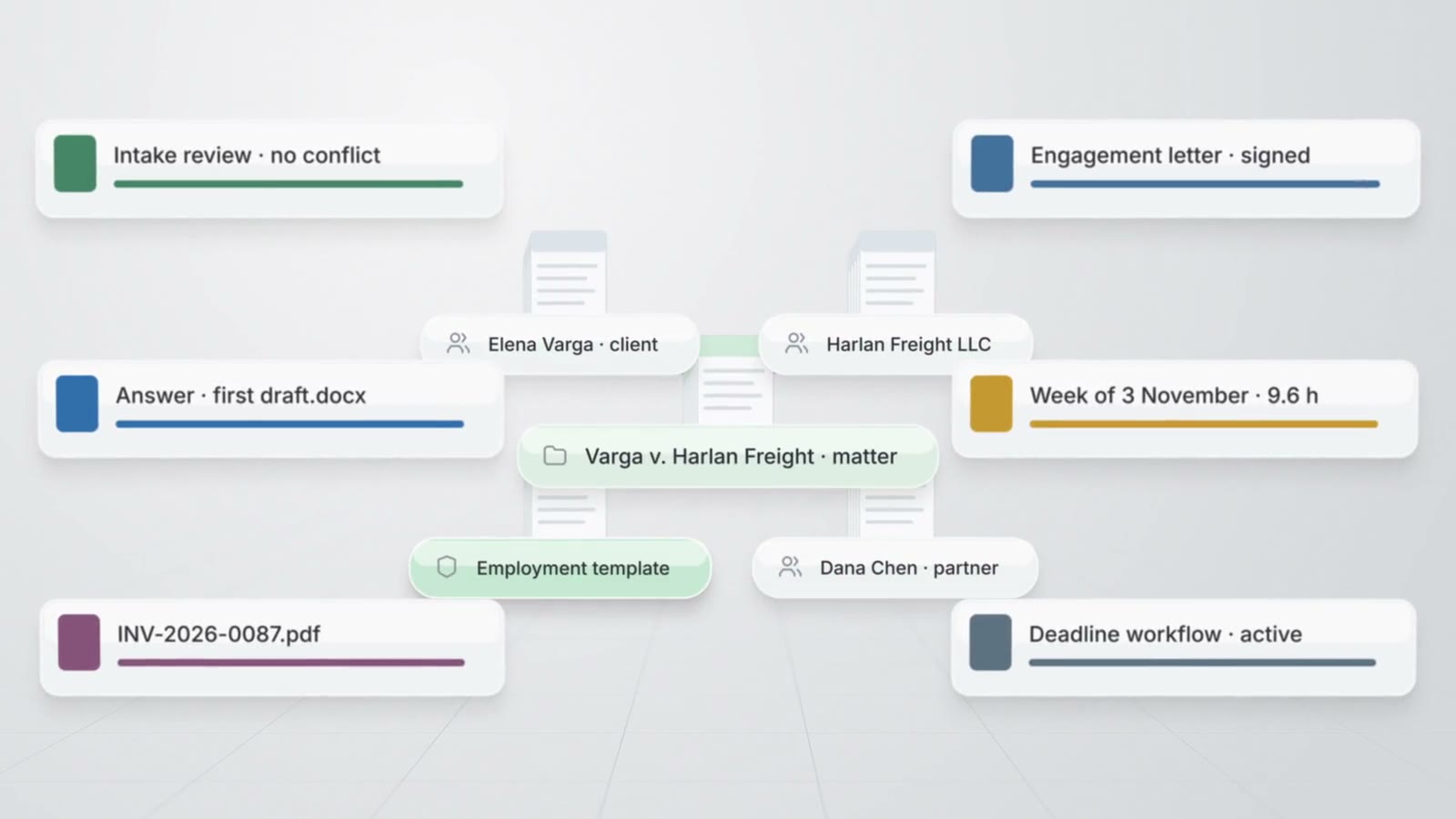
Matters, client intake, time, billing, workflows and reports on your firm's knowledge graph.
Read more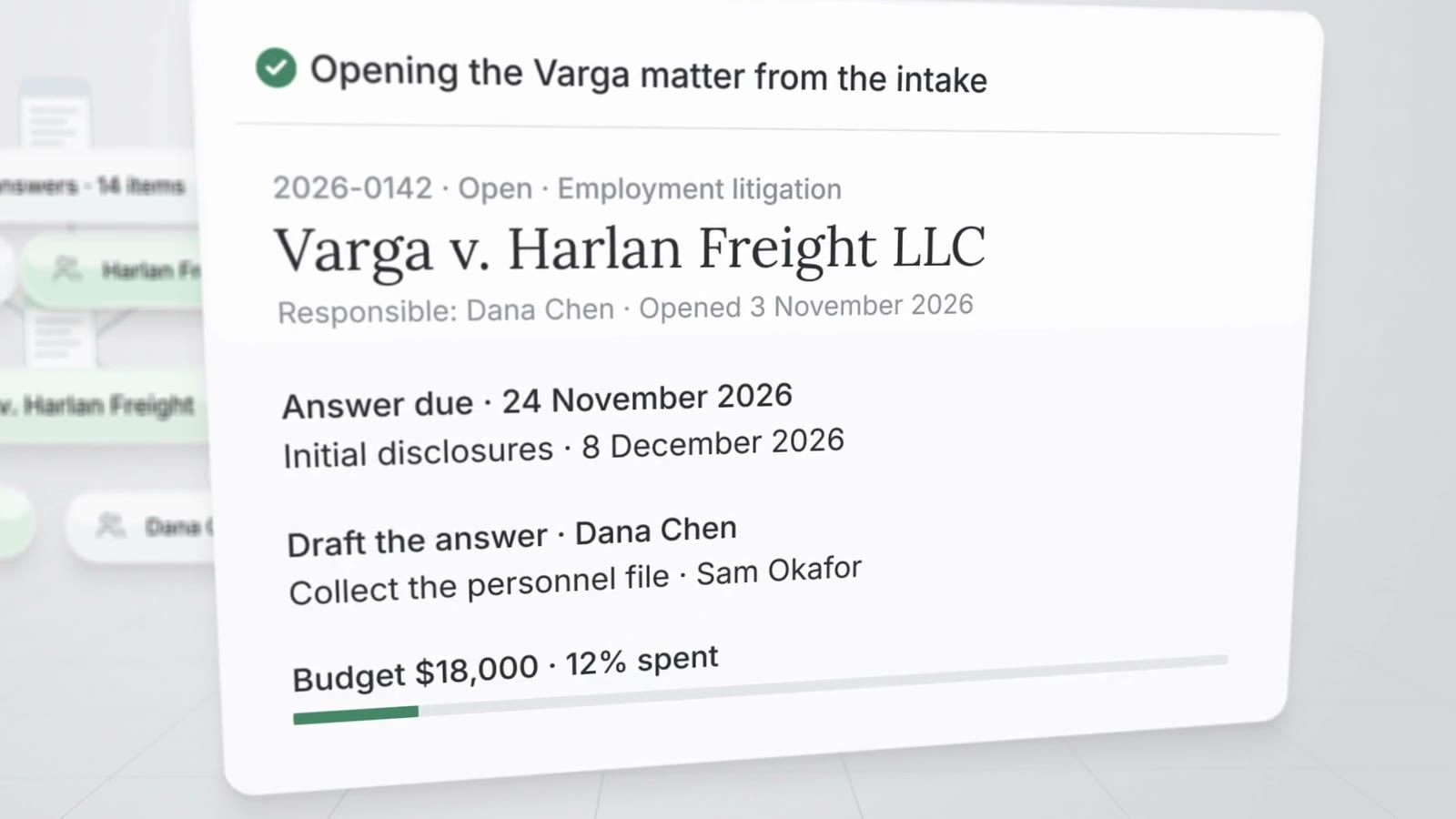
Matter management
Matter pages, the register, templates, tasks, key dates, legal holds and the firm calendar.
Read more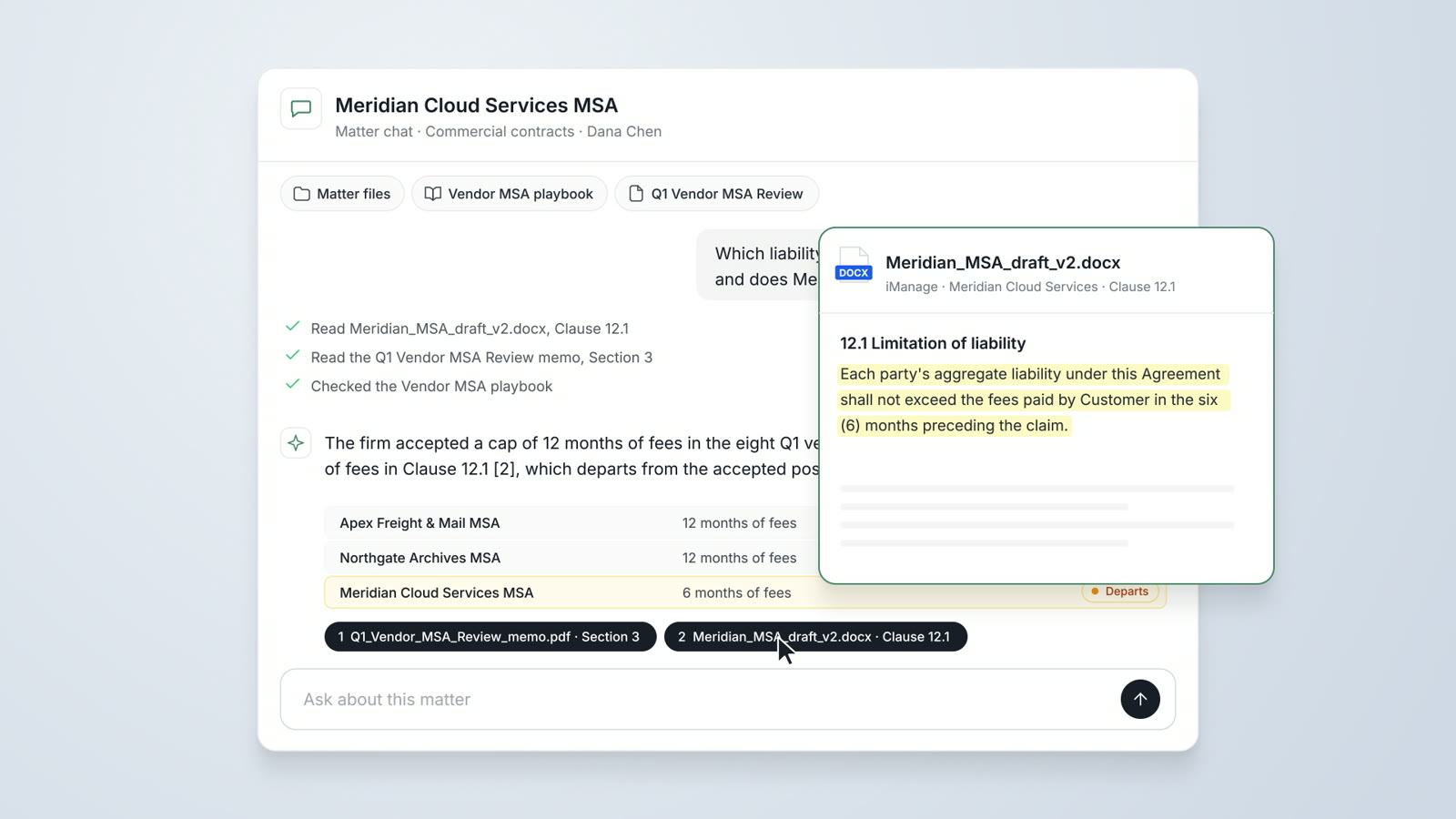
Per-user pricing for legal teams
Every plan is priced per user, and every plan starts with a 3-day free trial on one matter.
Read moreTime and billing questions
How does AtlasAI suggest time entries?
AtlasAI drafts a time entry from each work session you spend on a document or matter, with the matter, activity and minutes filled in. You accept, edit or discard each suggested entry.
Can an attorney run more than one timer?
No. Each attorney has one running timer, and starting a new timer stops the running timer.
How does AtlasAI round time?
Set the billing increment in the time settings, and AtlasAI rounds billed minutes up to the increment.
How does AtlasAI create an invoice?
AtlasAI drafts the invoice from the matter's billable time and expenses up to a date you pick. You issue the invoice, AtlasAI assigns the number and files the PDF in the matter, and you enter each payment.
Can a legal department track outside counsel spend?
Yes. Enter each outside counsel invoice as an expense with the vendor, and AtlasAI groups spend by vendor, category, matter or month against each matter's budget.
Which plan includes time and billing?
AtlasAI Professional includes time and billing at $99 per user per month, with a minimum of 5 users. Every plan starts with a 3-day free trial on one matter.