Client intake that opens the matter
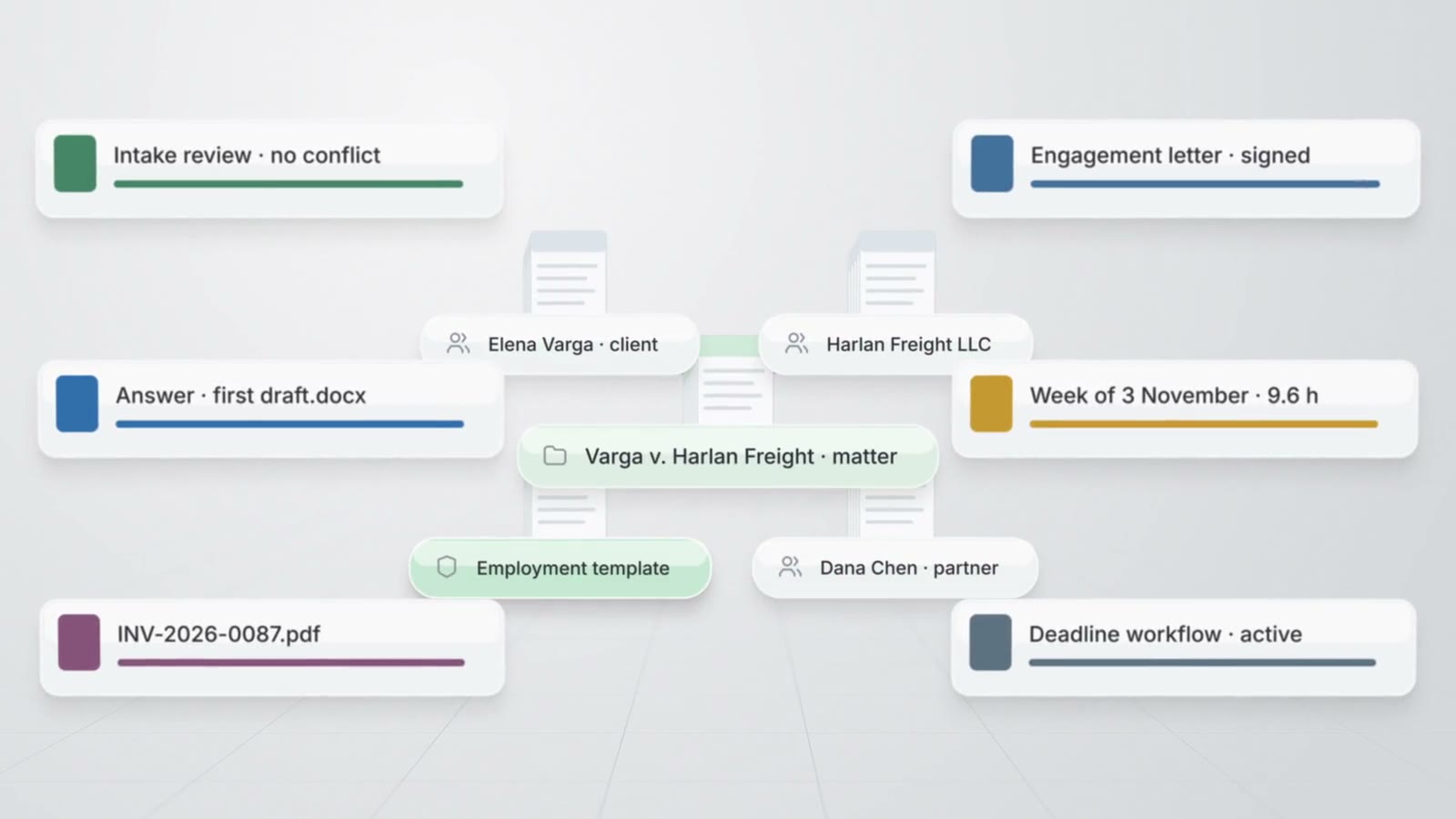
A prospective client completes a form or answers the AtlasAI intake assistant, AtlasAI reviews the answers and checks every party for conflicts, and the attorney engages the client with an e-signed engagement letter. AtlasAI opens the matter with every answer, contact and document of the intake.
3-day free trial on one matter. No setup fee.
AtlasAI is in use at firms like Fried Frank. Agents read the matters, positions and precedents of each firm, and attorneys decide.



Intake forms
Forms for each type of matter
The attorney builds a form from one of six templates, from a blank form or from a description that AtlasAI turns into questions with conditional logic. The firm publishes each form on a public page, embeds the form on the website of the firm or sends the link by email.
- Conditional questionsThe attorney sets conditions on each question, and AtlasAI shows each prospective client only the questions that apply to the matter.
- Unfinished formsWhen the visitor leaves an email address, AtlasAI saves the answers, sends one follow-up after 24 hours and keeps the resume link open for 30 days.
- Email intakeThe mail provider of the firm forwards each intake email to AtlasAI, and AtlasAI reads the answers from the email into the form.
Intake assistant
An assistant that conducts the intake
The AtlasAI intake assistant asks the questions of the published form in sequence, on the website widget of the firm or on a hosted AtlasAI page, and submits the answers after the visitor confirms the answers.
- No firm dataThe intake assistant saves the answers to the form and reads no document, matter or contact of the firm.
- One submission pipelineAtlasAI files each conversation with the transcript through the same submission pipeline as the form.
- Limits on every assistantAtlasAI limits each conversation to 40 visitor messages and each assistant to 400 turns an hour.
AI review and conflict check
Every submission reviewed before the consultation
AtlasAI summarizes each submission, assesses the fit against the profile of the firm, proposes a matter type and drafts a follow-up for the responsible attorney to approve. AtlasAI checks the client and every party question against the contacts and matters of the firm.
- Party by partyAtlasAI checks each other party, counterparty and employer from the intake form, and lists each party checked in the intake inbox.
- Matter from the answersAtlasAI maps the answers to the client contact, the matter fields and an intake note.
- The attorney decidesThe attorney creates the matter, approves the follow-up, declines the submission or marks the submission as spam.
Pipeline and engagement
From inquiry to engaged
The attorney moves each prospective matter through Inquiry, Qualifying, Conflict check, Consultation, Proposal and Engaged, with stage tasks and an activity timeline. The attorney sends the engagement letter for e-signature, and when the client signs, AtlasAI opens the matter with the intake answers, the contacts and the documents of the prospective matter.
- Conflict check before engagementAtlasAI engages a prospective matter only after a cleared conflict check or an override the attorney states.
- One letter at a timeAtlasAI keeps one open engagement letter per prospective matter and voids the earlier letter on a resend.
- Workflows on stage changesAtlasAI starts a published workflow on each stage change, such as a welcome letter draft for each engaged client.
Related pages
Practice management
Matters, client intake, time, billing, workflows and reports on the knowledge graph of the firm.
Read more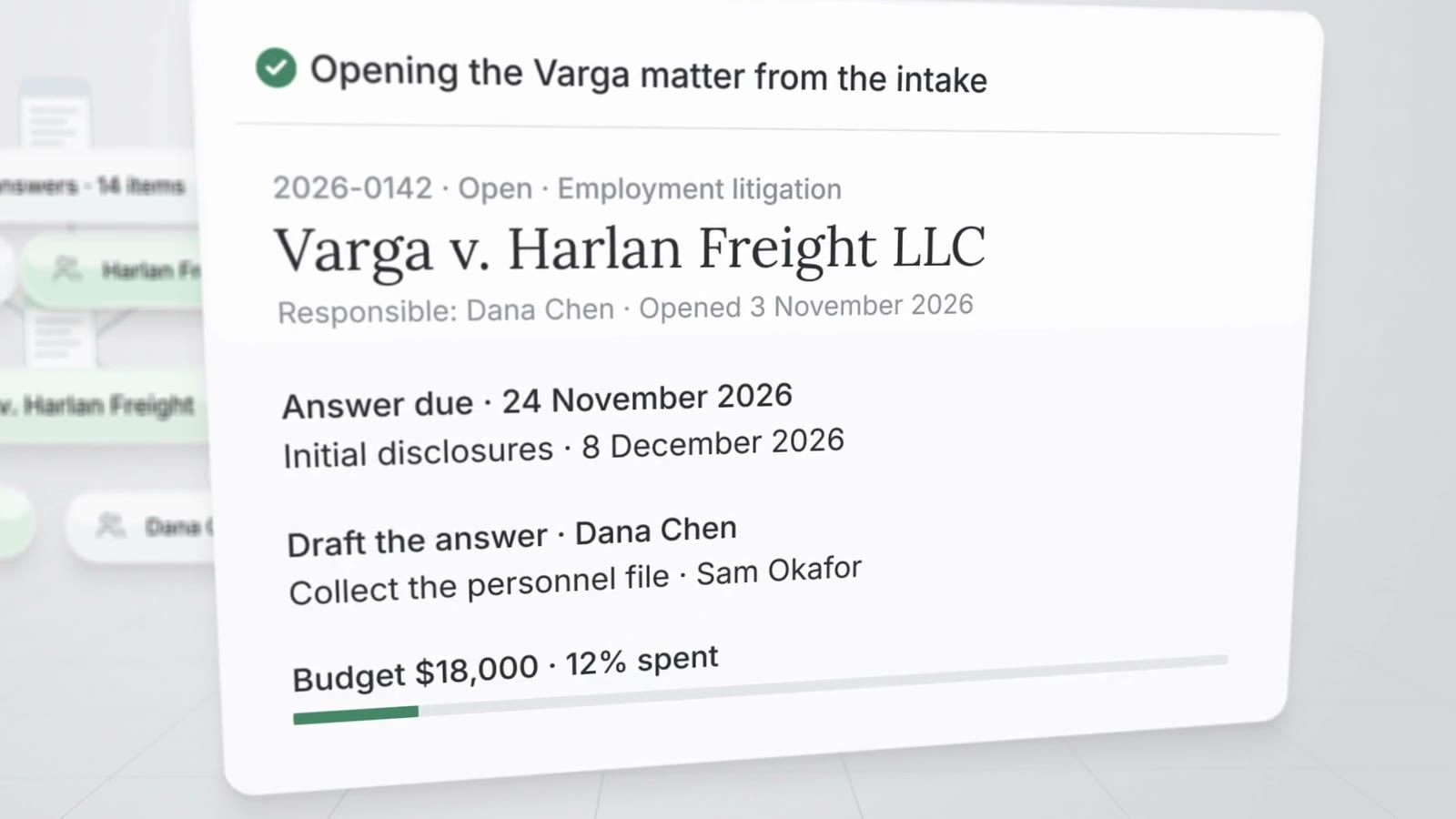
Matter management
Matter pages, the register, templates, tasks, key dates, legal holds and the firm calendar.
Read more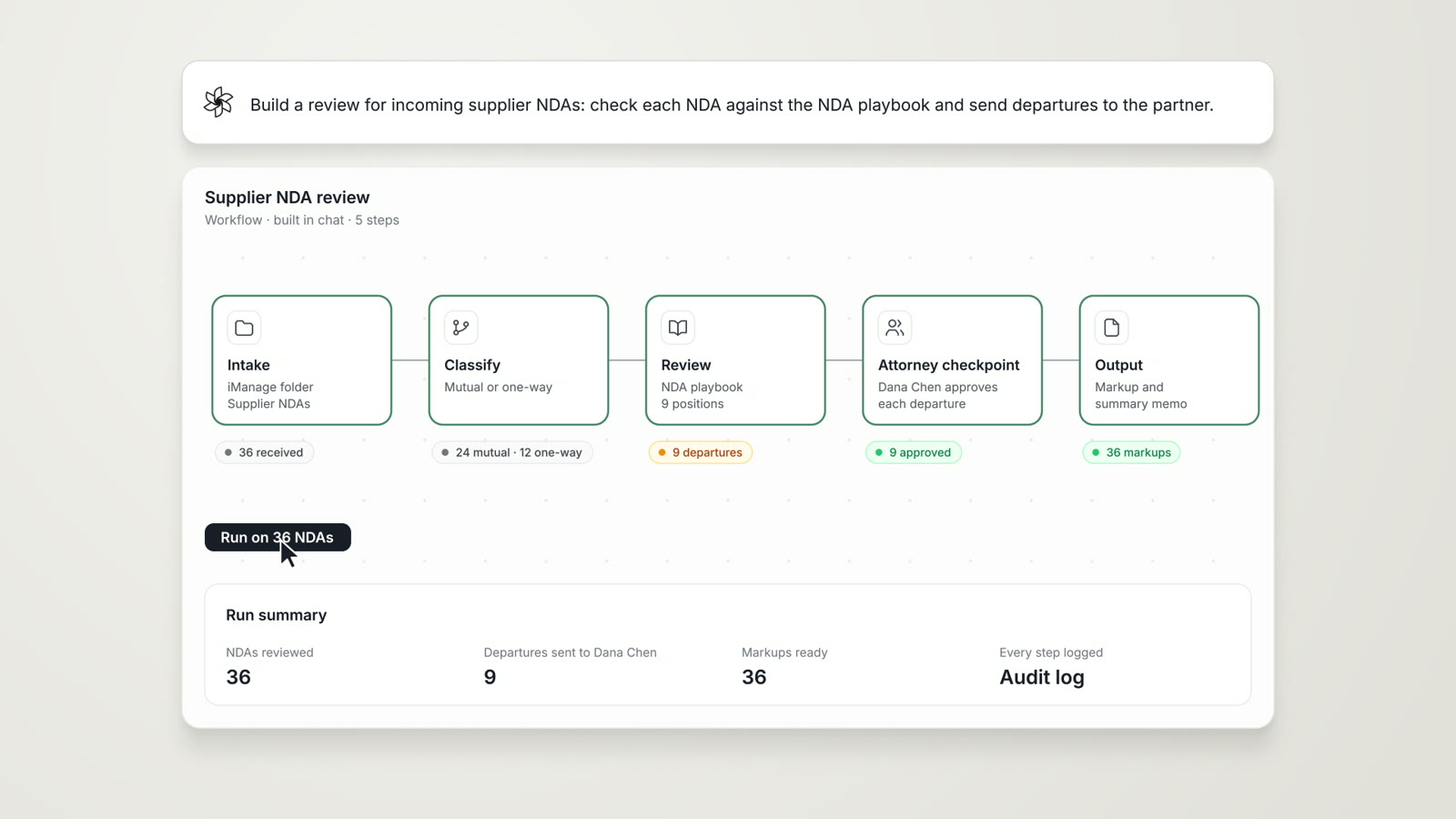
Agentic Workflows
Research, analysis, extraction and reporting chained into one cited work product, with an attorney checkpoint.
Read moreClient intake questions
How does a prospective client reach the intake form?
The firm publishes the form on a public AtlasAI page, embeds the form on the website of the firm with an iframe or a script, or sends the link by email.
Does the intake assistant read the documents of the firm?
No. The intake assistant asks the questions of the published form and saves the answers, and the intake assistant reads no document, matter or contact of the firm.
How does AtlasAI check conflicts at intake?
AtlasAI checks the client and each party question of the form, such as the other party, the counterparty and the employer, against the contacts and matters of the firm, and lists each party checked with each possible conflict.
What happens when the client signs the engagement letter?
AtlasAI moves the prospective matter to Engaged and opens the matter with the client contact, the intake answers, the documents and the notes of the prospective matter.
Can the firm accept intake by email?
Yes. The mail provider of the firm forwards each intake email to AtlasAI, AtlasAI reads the answers from the email, and the sender becomes the contact of the submission.
Which plan includes client intake?
AtlasAI Professional includes client intake at $99 per user per month, with a minimum of 5 users. Every plan starts with a 3-day free trial on one matter.