Matter management with the context of every matter
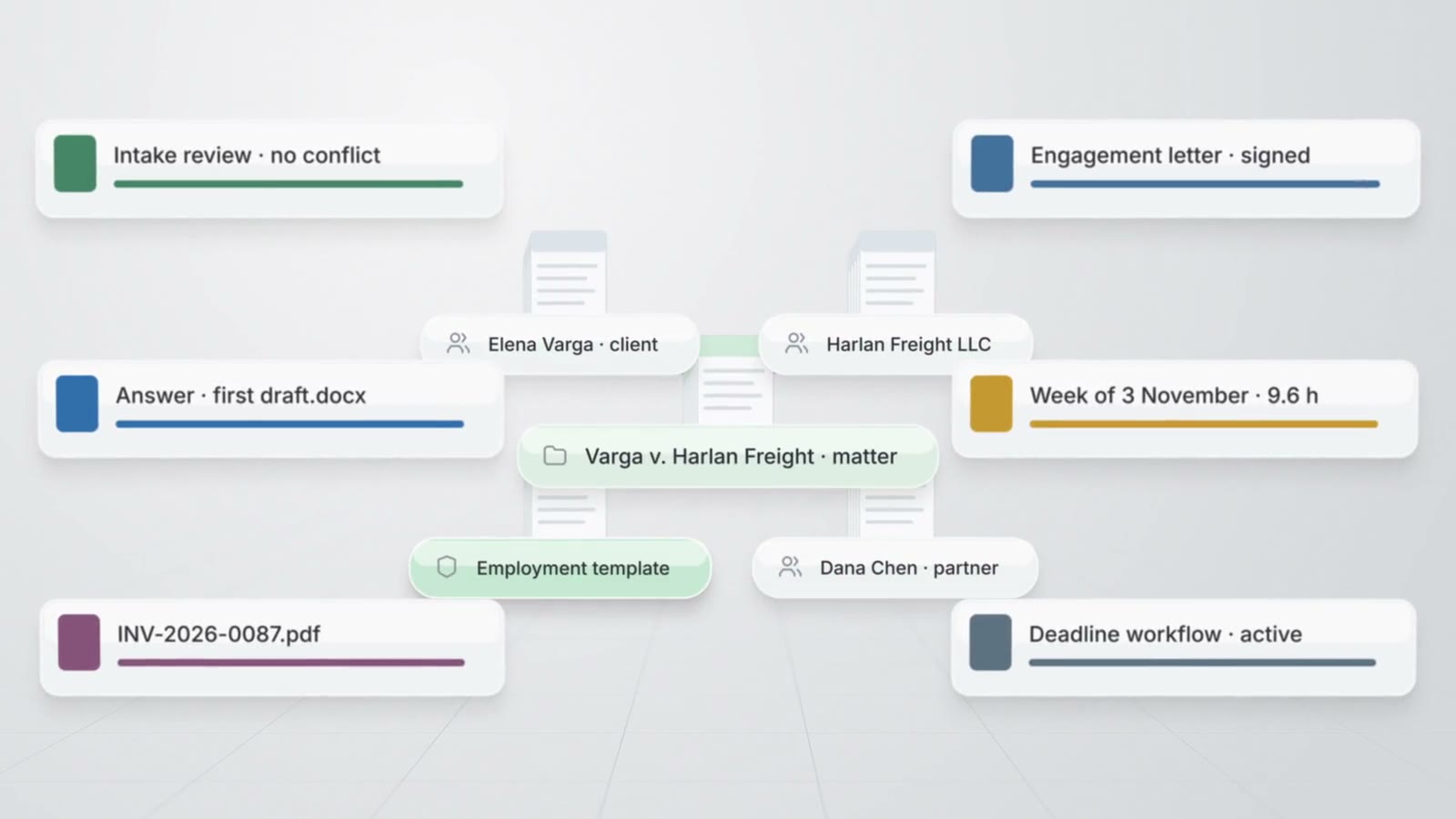
AtlasAI keeps the number, the status, the parties, the tasks, the key dates, the documents, the time and the activity of each matter on one matter page. AtlasAI agents read every matter an attorney may open, and complete each action of the matter page from chat.
3-day free trial on one matter. No setup fee.
AtlasAI is in use at firms like Fried Frank. Agents read the matters, positions and precedents of each firm, and attorneys decide.



The matter page
One page for each matter
The matter page opens on an Overview with the attention list, the next dates, the open tasks, the recent activity, the spend, the client and parties and the pinned notes. Six sections hold the Documents, the Work, the People, the Time and billing and the Activity of the matter.
- Matter numbersAtlasAI assigns the matter number from the numbering pattern of the firm, such as 2026-0142, when the matter opens.
- Custom matter fieldsThe firm adds custom fields of nine types to every matter, and the attorney filters and groups the register by each field.
- Contacts with rolesEach matter lists the client, the opposing party, opposing counsel, co-counsel, witnesses and experts as contacts with a role.
Register and reports
Every matter in one register
The Register contains every matter an attorney may open, with filters, grouping, saved views and CSV import and export. Matter reports count matters by status, practice area, type, responsible attorney and any custom field, and AtlasAI lists the matters that need attention.
- Attention signalsAtlasAI lists overdue tasks, key dates within 7 days, inactive matters, workload by attorney and budgets at 80 percent.
- Reports in chatAn attorney asks for a matter report in chat, and AtlasAI returns the table and the chart from the same query as the Reports view.
- Reports on a scheduleAtlasAI delivers each matter report to each recipient on the cadence of a monitoring workflow.
Templates, tasks and dates
The work of each matter type, defined once
The firm defines a matter template for each matter type or practice area: the default fields, the tasks with due offsets and assignee roles, the key dates, the folders, the Smart Lists and the workflows to start. AtlasAI applies the template when the matter opens, and notifies each attorney once a day of overdue tasks and key dates inside the reminder window.
- ApprovalsThe approver decides each approval task in the task row, and AtlasAI adds the decision to the activity timeline.
- Access by assignmentWhen the attorney assigns a task or a responsible attorney, AtlasAI shares the matter with the assignee, unless an ethical wall excludes the assignee.
- Agent actionsThe AtlasAI agent beside the matter adds tasks, key dates, notes and time entries from chat, and opens the section the agent changes.
Calendar and legal holds
Key dates and holds across every matter
AtlasAI lists the key dates and task due dates of every matter an attorney may open in the Calendar view, by day and by month. The attorney issues a legal hold with the material to preserve and the custodians, and AtlasAI emails each custodian the notice with an acknowledgment link.
- Calendar feedEach attorney subscribes to a private feed in Outlook, Google Calendar or Apple Calendar, and AtlasAI checks the access of the attorney on every read.
- Hold remindersAtlasAI reminds each custodian without an acknowledgment every 7 days, up to 4 times, and notifies every custodian when the attorney releases the hold.
- Holds issued by an attorneyAtlasAI drafts a legal hold from chat, and only an attorney issues the hold.
Related pages
Practice management
Matters, client intake, time, billing, workflows and reports on the knowledge graph of the firm.
Read more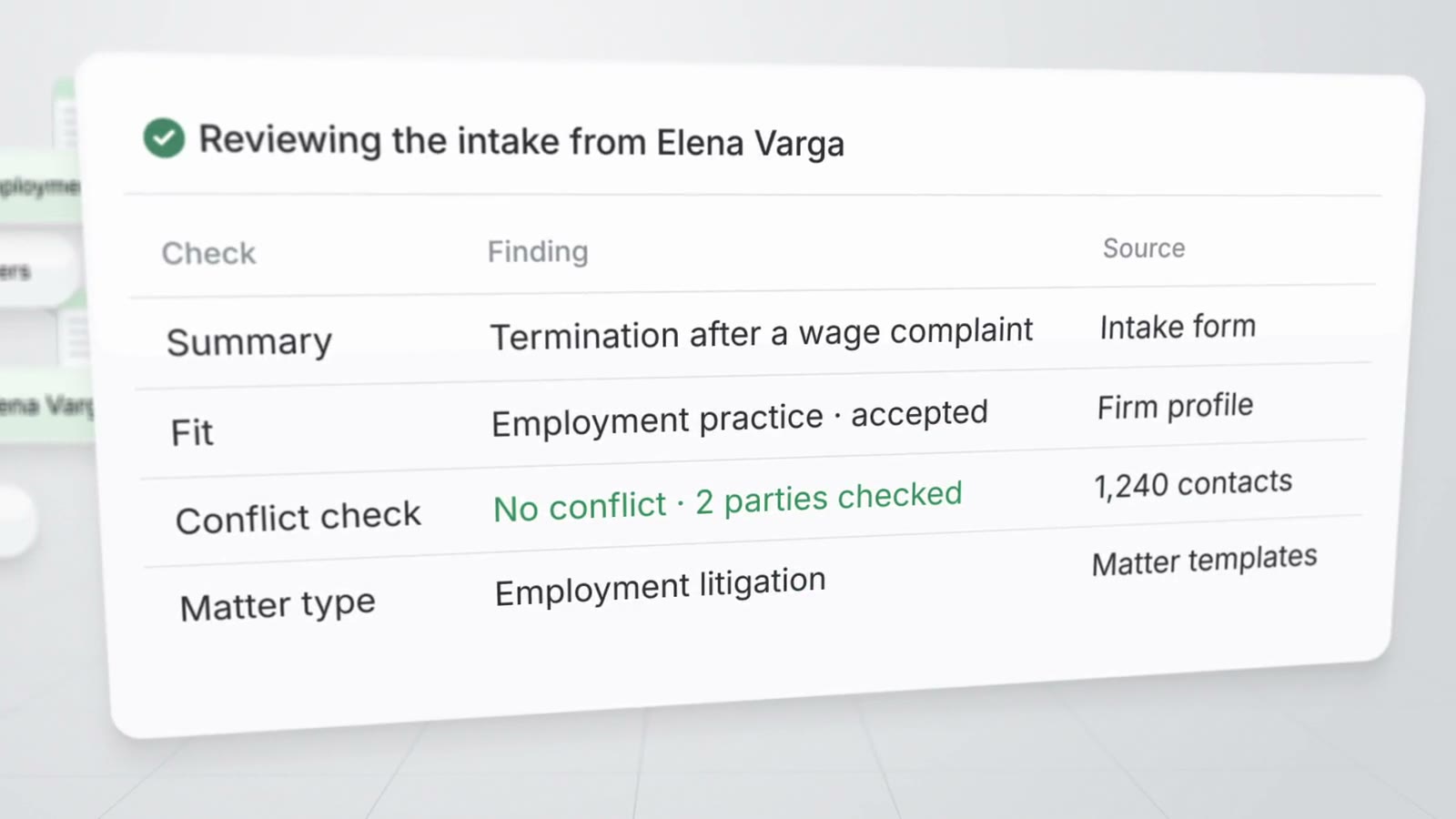
Client intake
Forms, the intake assistant, the AI review, the conflict check and the pipeline to an engaged matter.
Read more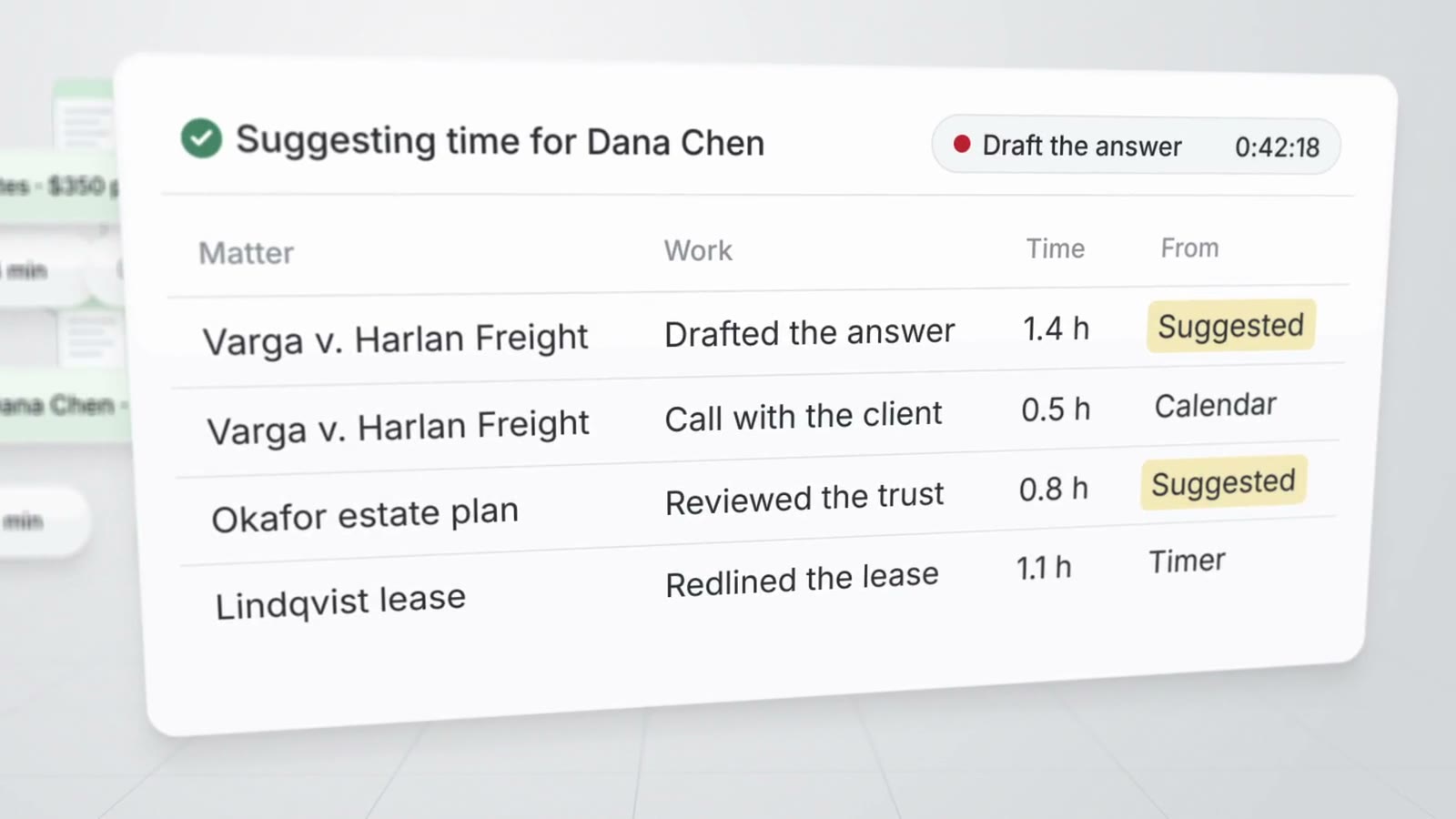
Time and billing
Timers, the week grid, suggested time, rates, expenses, budgets and invoices.
Read moreMatter management questions
What is AtlasAI matter management?
AtlasAI matter management keeps each matter on one matter page, with the register, templates, tasks, key dates, contacts, notes, legal holds, the firm calendar and matter reports across every matter an attorney may open.
Can AtlasAI import matters from a spreadsheet?
Yes. The attorney imports matters from a CSV file into the Register, and exports the Register as a CSV file.
How does AtlasAI number matters?
The firm sets a numbering pattern in Settings, Matters, with the year, a sequence, the client and the matter type, and AtlasAI assigns the next number when a matter opens. The default pattern produces numbers such as 2026-0142.
Who can see a matter?
Each attorney sees the matters the attorney may open. AtlasAI applies the access of each matter and the ethical walls of the firm to the Register, the reports, the calendar feed, chat and every workflow.
Can the AtlasAI agent update the matter page?
Yes. The AtlasAI agent beside the matter completes each action of the matter page from chat, such as a new task, a key date or a time entry, and opens the section the agent changes.
Which plan includes matter management?
AtlasAI Professional includes matter management at $99 per user per month, with a minimum of 5 users. Every plan starts with a 3-day free trial on one matter.