Legal time tracking software with AI time capture
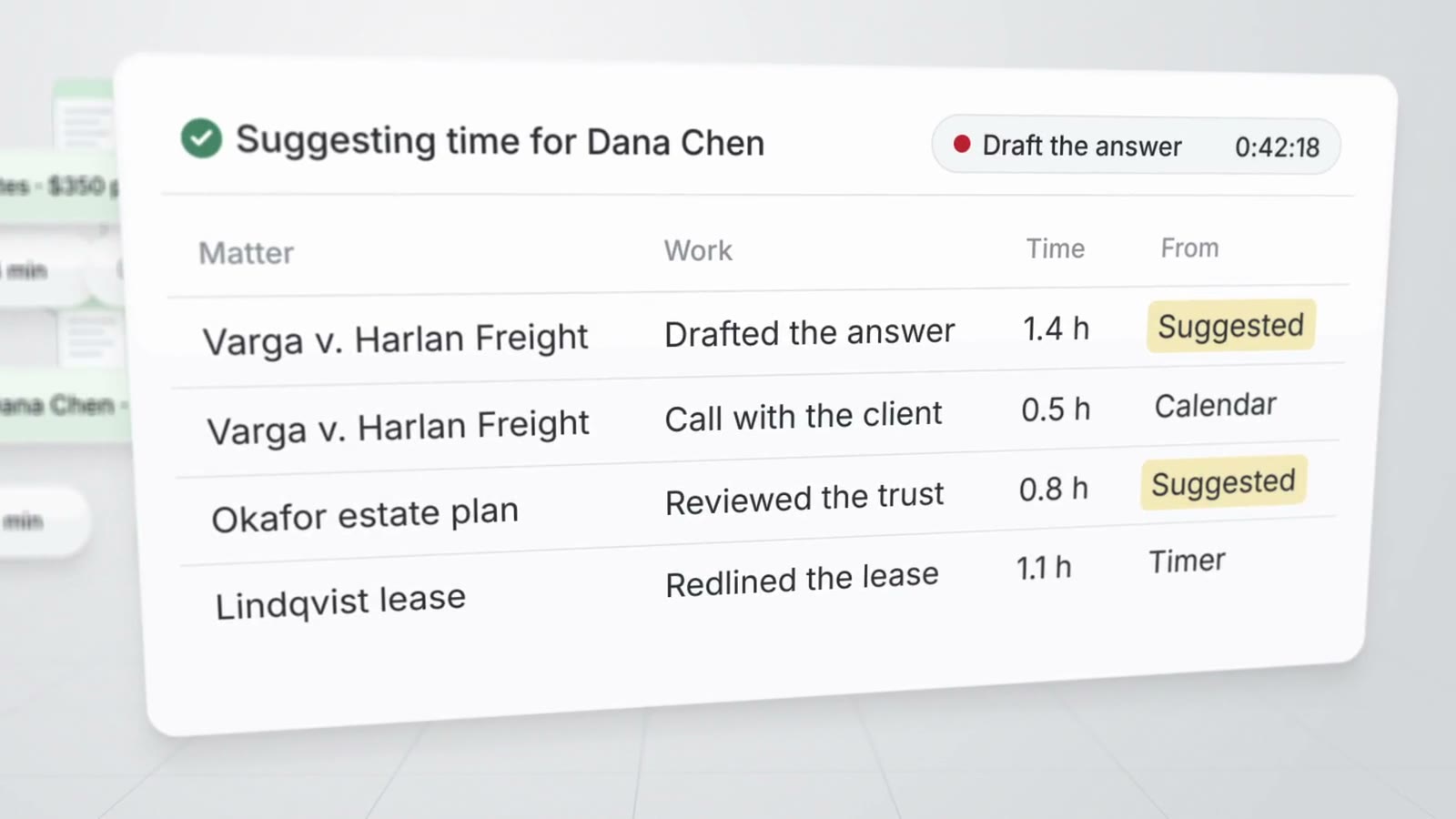
AtlasAI suggests a time entry for each work session on a document or matter, with the matter, activity and minutes filled in. You accept, edit or discard each suggestion, and AtlasAI drafts each invoice from the accepted time and expenses.
3-day free trial on one matter. No setup fee.
Attorneys draft, review and research with AtlasAI, starting from their best past work.



Suggested time from the work
A draft entry for each work session
AtlasAI drafts a time entry from the minutes you spend on each document of a matter and from your work on the tasks, notes and chats of each matter. Each suggestion waits in the Suggested view until you accept the entry.
- From the documentsAtlasAI suggests time from the minutes you spend on each document of a matter.
- From the mattersAtlasAI suggests time from your work on tasks, notes and chats.
- The attorney decidesNo suggested entry counts until you accept the entry.
A timer on every page
Timers, the week grid and billing increments
Start a timer from the matter header, an open task or a document. The running timer stays in the sidebar on every page and keeps running after you close the browser.
- Week and day viewsEdit time in the week grid, copy last week's rows and review each day's entries.
- Billing incrementsSet your billing increment, and AtlasAI rounds billed minutes up to the increment.
- Team weekFirm administrators see every timekeeper's week against the weekly capacity your firm sets.
Invoices from accepted time
Draft, issue and collect from the matter
AtlasAI drafts an invoice from a matter's unbilled time and expenses, up to a date you pick. When you issue the invoice, AtlasAI assigns the next number, sets the dates and files the PDF in the matter.
- RatesAtlasAI applies the most specific rate to each entry: the person on the matter, the matter or the timekeeper.
- BudgetsEvery matter at 80 percent of the budget or more appears in the attention list.
- PaymentsEnter each payment, and AtlasAI marks the invoice paid when the payments reach the total.
Questions to ask of legal time tracking software
Compare time tracking tools on where entries come from, who approves each entry, and how time becomes an invoice.
| Question | AtlasAI |
|---|---|
| Where do time entries come from? | Timers, the week grid, and suggestions from each work session on a document or matter |
| Who approves a suggested entry? | The attorney, who accepts, edits or discards each suggestion |
| How does the software round time? | AtlasAI rounds billed minutes up to the billing increment you set |
| How does time become an invoice? | AtlasAI drafts the invoice from unbilled time and expenses up to a date you pick |
| Can a legal department track outside counsel spend? | Yes. Enter each outside counsel invoice as an expense, and group spend by vendor, category, matter or month |
| What does time and billing cost? | AtlasAI Professional costs $99 per user per month with a 5-user minimum, after a 3-day free trial |
Built for the security review of a law firm
AtlasAI runs the security program on the SOC 2 Trust Services Criteria, and the AtlasAI security team shares the current audit status and the control documentation with your security reviewers. Under NDA, your security reviewers receive the AtlasAI Security and Compliance Posture Report and 12 corporate policies. Each deploying firm also receives the penetration test results.
Your deployment
Run AtlasAI in the AtlasAI cloud or in your firm’s Azure subscription, with the same controls in both.
Your permissions
AtlasAI agents read only the documents each user may open, with your iManage permissions and ethical walls applied to every step.
Your data
AtlasAI trains no model on your data, and every approved model provider works under zero data retention terms.
Your audit log
AtlasAI logs every question, answer and agent step. The managed service keeps the log for 365 days, with export, and a self-hosted deployment streams the log into your SIEM.
Related pages
Time and billing
Suggested time, timers, invoices, rates, budgets and spend reports.
Read more
Practice management with AI
Matters, intake, conflict checks, time, billing and workflows on one platform.
Read more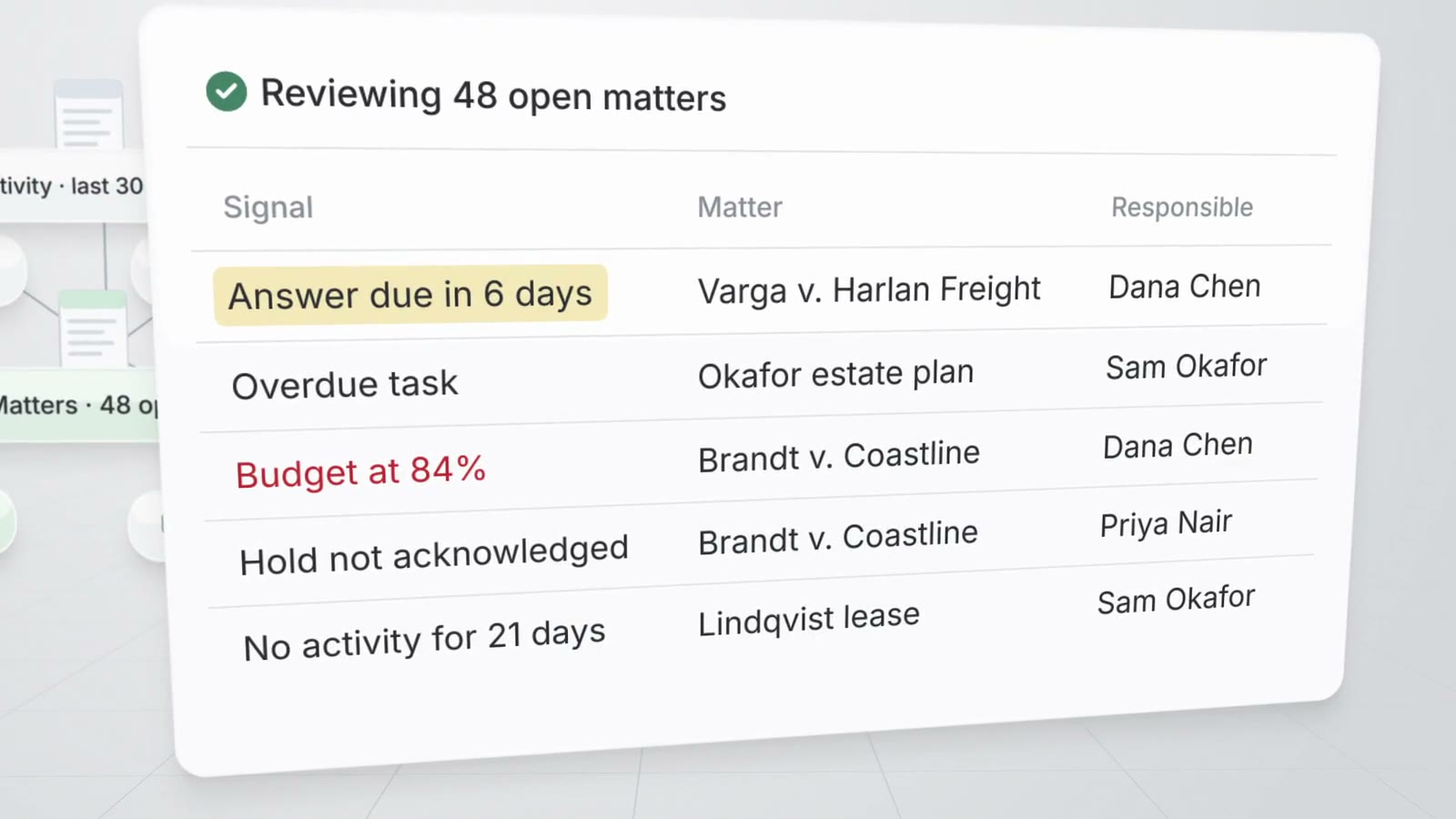
Pricing
Every plan is priced per user and starts with a 3-day free trial on one matter.
Read moreQuestions about legal time tracking with AI
How does AtlasAI suggest time entries?
AtlasAI drafts a time entry from each work session you spend on a document or matter, with the matter, activity and minutes filled in. You accept, edit or discard each suggested entry.
Does a suggested entry count before the attorney accepts the entry?
No. A suggested entry stays in the Suggested view and counts only after you accept the entry.
Can an attorney run more than one timer?
No. Each attorney has one running timer, and starting a new timer stops the running timer.
How does AtlasAI create an invoice?
AtlasAI drafts the invoice from the matter's billable time and expenses up to a date you pick. You issue the invoice, AtlasAI assigns the number and files the PDF in the matter, and you enter each payment.
Which AtlasAI plan includes time and billing?
AtlasAI Professional includes time and billing at $99 per user per month, with a minimum of 5 users. Every plan starts with a 3-day free trial on one matter.