Client intake and conflict check software for law firms
AtlasAI runs client intake and conflict checks for law firms in one pipeline. Prospective clients answer a form or talk with the AtlasAI intake assistant. AtlasAI checks every party against your contacts and matters, and the matter opens when the client signs the engagement letter.
3-day free trial on one matter. No setup fee.
Attorneys draft, review and research with AtlasAI, starting from their best past work.



Intake forms and the intake assistant
Every prospective client answers the questions of your form
Build a form from one of six templates, a blank form, or a sentence that AtlasAI turns into questions. Publish the form on your website, or let the AtlasAI intake assistant ask the same questions in conversation.
- Conditional questionsEach prospective client sees only the questions that apply to the matter.
- Intake by emailForward intake emails to AtlasAI, and AtlasAI reads the answers into the form.
- No firm dataThe intake assistant saves answers and reads none of your documents, matters or contacts.
A conflict check on every party
The client, the counterparty and every other party, checked before the consultation
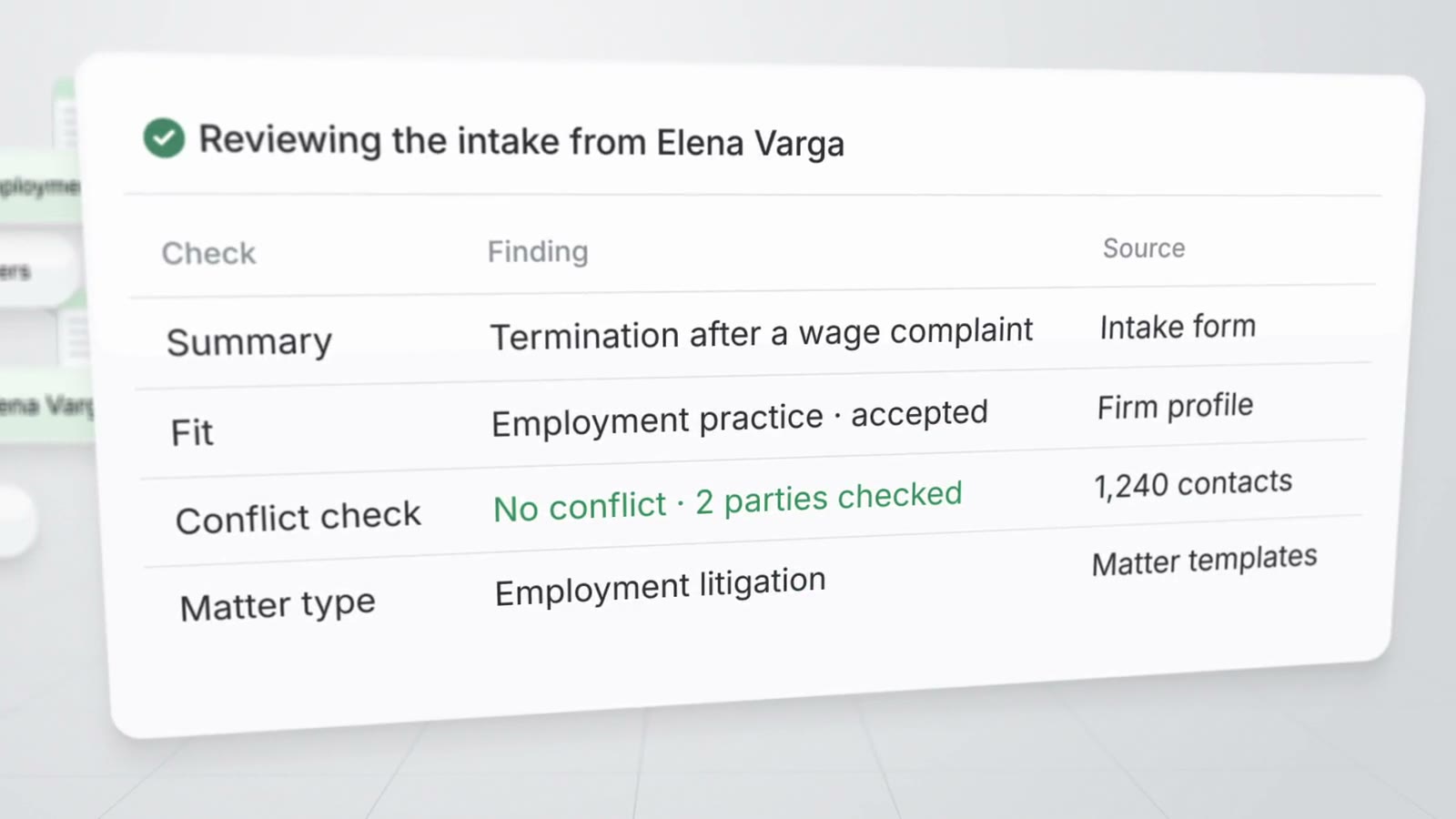
AtlasAI checks the client and each party on the form against your firm's contacts and matters. The intake inbox lists every party checked and every possible conflict, and the responsible attorney decides.
- Party by partyAtlasAI checks each other party, counterparty and employer on the form.
- Cleared before engagementAtlasAI engages a prospective matter only after a cleared conflict check or an override you state.
- The attorney decidesYou create the matter, approve the follow-up, decline the submission or mark the submission as spam.
From inquiry to an open matter
A pipeline of prospective matters and an e-signed engagement letter
Move each prospective matter through Inquiry, Qualifying, Conflict check, Consultation, Proposal and Engaged. When the client signs the engagement letter, AtlasAI opens the matter with the intake answers, contacts and documents.
- AI reviewAtlasAI summarizes each submission, proposes a matter type and drafts a follow-up for your approval.
- E-signed lettersAtlasAI keeps one engagement letter open per prospective matter and voids the earlier letter when you resend.
- Workflows on stage changesStart a workflow at each stage change, such as a welcome letter draft for each new client.
Questions to ask of client intake and conflict check software
Compare intake tools on how prospective clients reach the form, which parties the conflict check covers, and what happens at engagement.
| Question | AtlasAI |
|---|---|
| How do prospective clients reach intake? | A form on your website, a hosted AtlasAI page, a link by email, the intake assistant or a forwarded email |
| Which parties does the conflict check cover? | The client and every other party on the form, against your firm's contacts and matters |
| When does the conflict check run? | On every submission, before the consultation |
| Who decides on a possible conflict? | The responsible attorney, who clears the check or states an override |
| What happens when the client signs? | AtlasAI opens the matter with the intake answers, contacts and documents |
| What does intake cost? | AtlasAI Professional costs $99 per user per month with a 5-user minimum, after a 3-day free trial |
Built for the security review of a law firm
AtlasAI runs the security program on the SOC 2 Trust Services Criteria, and the AtlasAI security team shares the current audit status and the control documentation with your security reviewers. Under NDA, your security reviewers receive the AtlasAI Security and Compliance Posture Report and 12 corporate policies. Each deploying firm also receives the penetration test results.
Your deployment
Run AtlasAI in the AtlasAI cloud or in your firm’s Azure subscription, with the same controls in both.
Your permissions
AtlasAI agents read only the documents each user may open, with your iManage permissions and ethical walls applied to every step.
Your data
AtlasAI trains no model on your data, and every approved model provider works under zero data retention terms.
Your audit log
AtlasAI logs every question, answer and agent step. The managed service keeps the log for 365 days, with export, and a self-hosted deployment streams the log into your SIEM.
Related pages
Client intake
Intake forms, the intake assistant, AI review, conflict checks and e-signed engagement letters.
Read more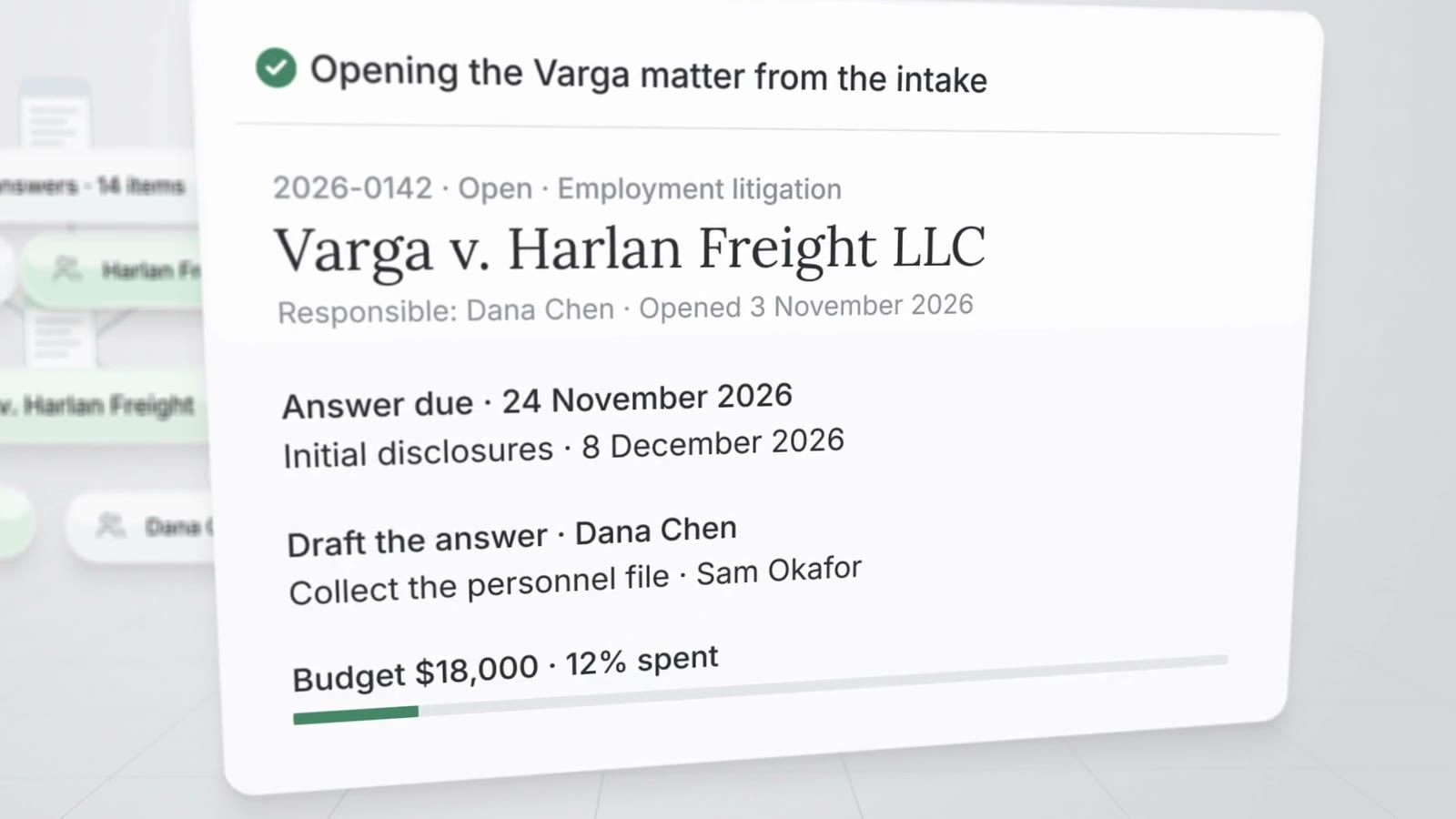
Practice management with AI
Matters, intake, conflict checks, time, billing and workflows on one platform.
Read more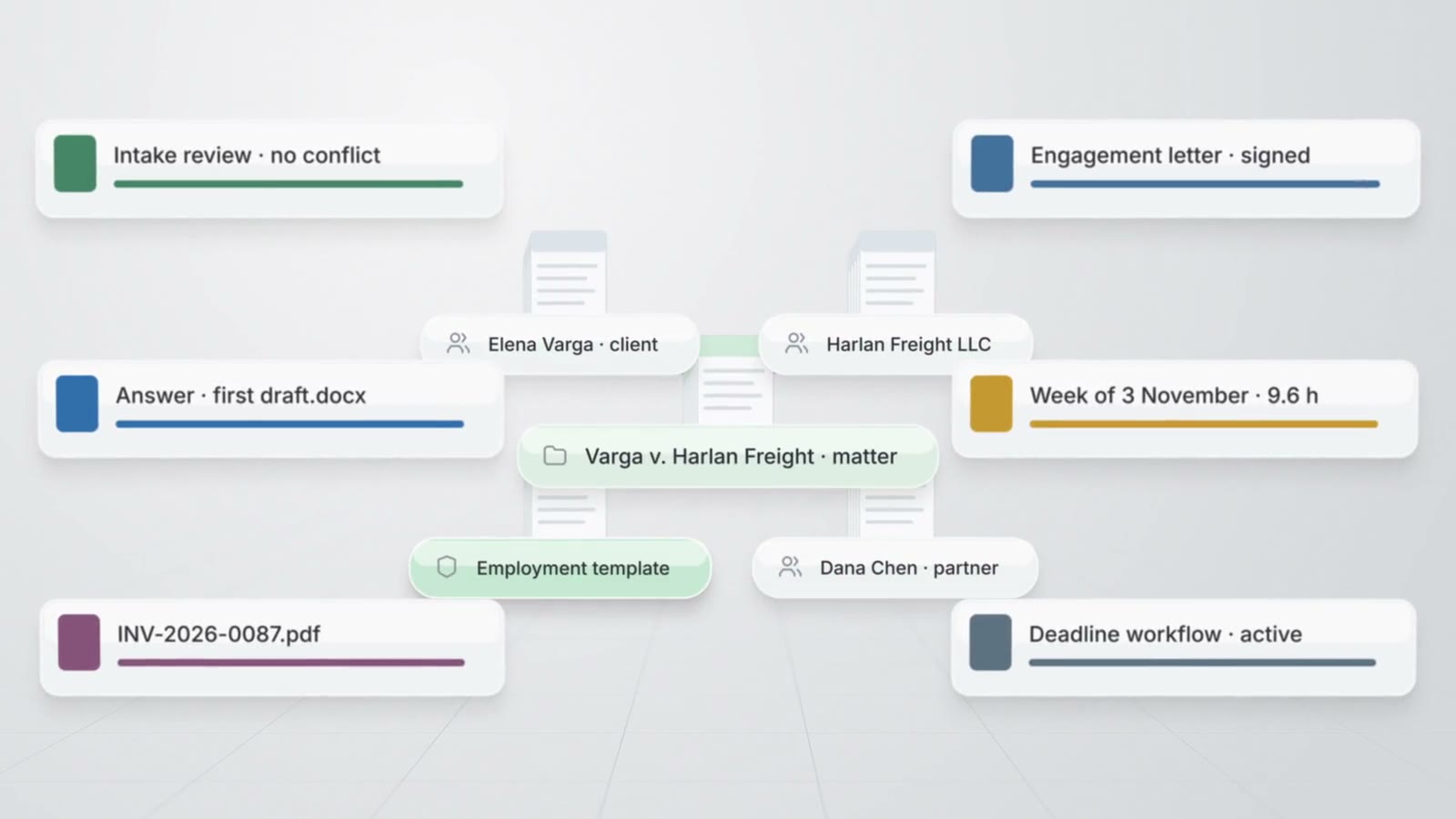
Matter management
Matter pages, the register, templates, tasks, key dates and the firm calendar.
Read moreQuestions about client intake and conflict checks
How does AtlasAI check conflicts at intake?
AtlasAI checks the client and each party on the form, such as the other party, the counterparty and the employer, against your firm's contacts and matters. The intake inbox lists each party checked with any possible conflict.
Can a firm engage a client before the conflict check clears?
No. AtlasAI engages a prospective matter only after a cleared conflict check or an override the responsible attorney states.
Does the intake assistant read the firm's documents?
No. The intake assistant asks the questions of your published form, saves the answers and reads none of your firm's documents, matters or contacts.
What happens when the client signs the engagement letter?
AtlasAI moves the prospective matter to Engaged and opens the matter with the client contact, the intake answers, the documents and the notes.
Which AtlasAI plan includes client intake?
AtlasAI Professional includes client intake at $99 per user per month, with a minimum of 5 users. Every plan starts with a 3-day free trial on one matter.